
Why Most SEO Advice Is Useless
If you've ever Googled "SEO for bloggers," you've probably been buried in a 5,000-word guide that tells you to do 87 things. Most of them don't matter, especially when you're starting out.
I've been practicing SEO for over two years now, and I've learned that 10 fundamentals account for 90% of your results. Everything else is noise until you've nailed these.
Here they are. No fluff, no filler.
1. Write for Search Intent
Before you write a single word, Google your target keyword and look at the top 5 results. What are they? Blog posts? Product pages? How-to guides?
Match the format. If the top results are listicles, write a listicle. If they're step-by-step guides, write a step-by-step guide. Google is telling you what searchers want.
2. Use One H1 Per Page
Your H1 is your page title. It should contain your primary keyword and appear exactly once. This isn't a suggestion. It's a fundamental rule of semantic HTML.
<h1>SEO Basics for Bloggers</h1>
Every subsequent heading should be H2 or H3, creating a clear content hierarchy.
3. Write Title Tags Under 60 Characters
Your title tag is what appears in Google search results. Keep it under 60 characters so it doesn't get truncated. Front-load your keyword.
Good: "SEO Basics for Bloggers: 10 Things That Matter"
Bad: "The Ultimate Complete Comprehensive Guide to Search Engine Optimization for Beginner Bloggers in 2026"
4. Write Meta Descriptions Under 160 Characters
Meta descriptions don't directly affect rankings, but they affect click-through rate. Write a compelling summary that makes searchers want to click your result over the competition.
5. Use Internal Links
Every post should link to 2-3 other posts on your site. This helps Google discover your content and keeps readers on your site longer.
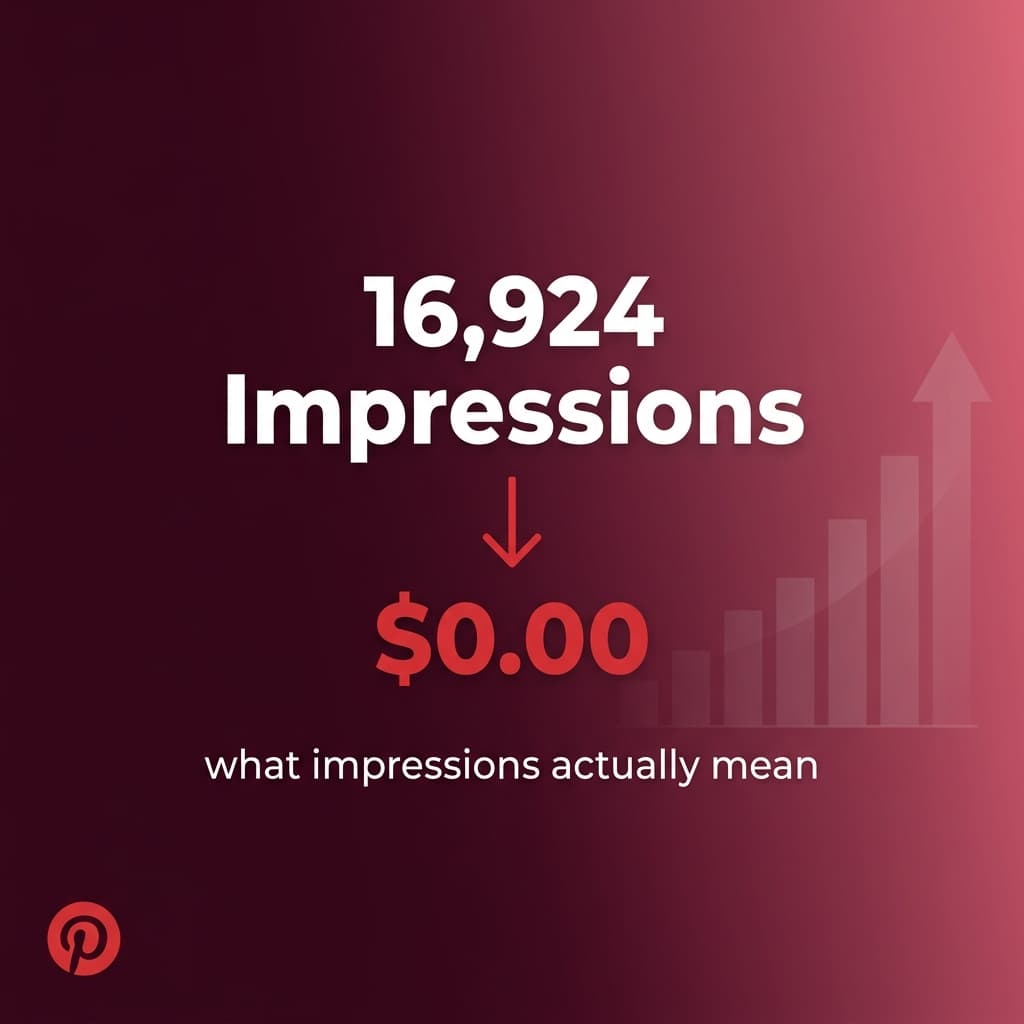
For example, if you're interested in how I apply SEO to affiliate content, check out my post on Pinterest impressions and affiliate revenue.
6. Optimize Images
Every image on your site needs:
- Descriptive alt text (for accessibility and SEO)
- Compressed file size (for page speed)
- Modern format (WebP is ideal)
If you're using Next.js, the next/image component handles compression and format conversion automatically.
7. Make Your Site Fast
Core Web Vitals are a ranking factor. The three metrics that matter:
| Metric | Target |
|---|---|
| LCP (Largest Contentful Paint) | Under 2.5 seconds |
| INP (Interaction to Next Paint) | Under 200ms |
| CLS (Cumulative Layout Shift) | Under 0.1 |
Use Google's PageSpeed Insights to test your site.
8. Use Schema Markup
Structured data (JSON-LD) tells Google what your content is about. At minimum, add Article schema to your blog posts. This can earn you rich snippets in search results.
9. Submit Your Sitemap
Create a sitemap.xml and submit it to Google Search Console. This tells Google about every page on your site and helps with faster indexing.
10. Be Patient
SEO is a long game. Most new blog posts take 3-6 months to rank. Don't check your rankings daily. Write consistently, optimize each post, and let compound growth work in your favor.
The Tools I Use for SEO
If you're serious about SEO, here are the tools I actually use:
- Semrush for keyword research and site audits
- Google Search Console for free rank tracking and indexing status
- Grammarly to keep my content clean and readable
Bottom Line
You don't need to master 87 SEO tactics. Master these 10, publish consistently, and you'll outrank 90% of bloggers who are overthinking it.