
I check my Pinterest Analytics every day. I am going to be upfront about that while also telling you: weekly is better.
Daily checking creates noise-driven anxiety. One pin with a bad day looks like a problem. One board with a slow week looks like a failure. Pinterest's algorithm distributes content over time, not in daily uniform batches. If you are checking every day you will make adjustments based on data that has not had enough time to mean anything.
Check weekly. Review monthly for trends. That cadence gives you signal instead of noise.
With that out of the way, here is what to actually look at when you do check, because the numbers that are easy to find are often the ones that matter least.
Finding Pinterest Analytics
Log into your Pinterest Business account on desktop. Click on Analytics in the top navigation bar. Everything covered in this post lives in that dashboard.
If you do not have a Business account yet, Analytics is not available. The setup guide, including how to claim your website, structure your boards, and configure your profile, is here: How to Set Up a Pinterest Business Account for a Blog.
The Four Metrics and What They Actually Mean
Impressions
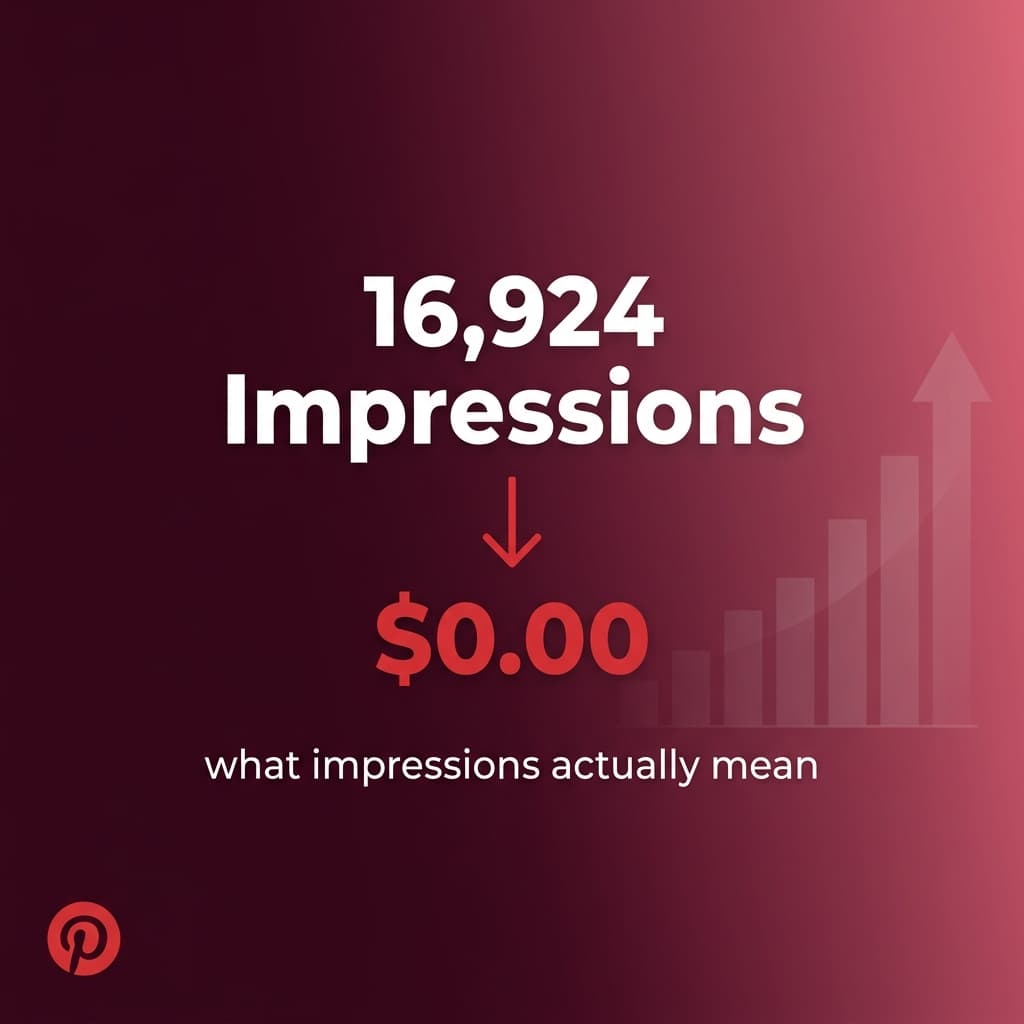
How many times your pins appeared in user feeds or search results. This is your reach metric. It measures Pinterest's willingness to distribute your content to its audience.
Impressions moving up means the algorithm is finding your audience and distributing pins to them. Impressions flat or declining means something in your strategy needs adjustment, usually pin description quality, board targeting, or design.
For a brand new account, impressions will be very low in the first few weeks. This is normal. Pinterest is still evaluating whether your account is legitimate and what audience to show your content to. Do not panic at flat impressions in week one. Panic at flat impressions in month three with no upward movement.
Outbound Clicks
How many times someone clicked one of your pins and landed on your blog. This is the metric that directly represents real blog traffic from Pinterest.
This is the number you care most about as a blogger. Impressions are inputs. Outbound clicks are outputs. A high-impression account with low outbound clicks means your pins are being seen but not compelling people to visit. Usually a design problem: weak headline, vague promise, or image that does not match the search intent. The description structure that drives clicks is in How to Write Pinterest Descriptions That Actually Get Clicks.
Track the click-through rate by dividing outbound clicks by impressions for a given period. A ratio under 0.3% is a signal something is off. Between 0.5% and 2% is where most healthy niche accounts operate. Above 2% is excellent.
Saves
How many times users saved your pins to their own boards.
Saves are the most important engagement signal you send to the Pinterest algorithm. A save tells Pinterest that a user found your content valuable enough to bookmark for later. That is a strong positive signal. Pinterest reads high save rates as a sign that your content is worth showing to more people in similar audiences. I go into depth on what saves, clicks, and impressions each mean in relation to each other in Pinterest Impressions vs Clicks vs Saves: What Actually Matters for Blog Traffic.
If your outbound clicks are lower than you want but your save rate is healthy, that often means your content is being discovered and appreciated by the right people, but your pin design needs work on the visual or headline side to convert saves into clicks.
Total Audience
The number of unique users who saw your pins during a selected period. This is a reach metric, not a traffic metric. A large audience with low outbound clicks means your content is reaching people but not converting them into visitors.
Do not optimize for Total Audience in isolation. It can inflate with low-quality distribution. Focus on the relationship between Total Audience and Outbound Clicks instead.
The One Metric to Stop Tracking
Follower count.
Pinterest is a search engine, not a social network. Your follower count has almost no relationship to your impression volume or traffic. I currently have 127 Pinterest followers on one of my accounts that delivers thousands of monthly visitors to the associated blog. I explain why this is not unusual, and what actually drives distribution instead, in How to Get Your First 1,000 Pinterest Followers as a New Blogger.
Followers discover your content through Pinterest search and feed recommendations, not by following your profile and checking your feed. Growing your follower count is a vanity metric on Pinterest. Grow your outbound clicks instead.
How to Find Your Top Performing Pins
In Pinterest Analytics, go to the "Top Pins" section under the Overview tab. Set the time period to the last thirty days or ninety days.
Pinterest will show you which individual pins generated the most impressions and which generated the most outbound clicks, those are sometimes different lists.
Study these pins. What do they have in common? Specific image type? A particular headline structure? A certain keyword? A board placement that might be driving extra distribution?
The goal is to identify the pattern and replicate it in your next batch of pins. If every top-performing pin on your account features a close-up photograph with a bold text overlay and a question-format headline, you now know something valuable about what your specific audience responds to. Use that to inform which of the five pin designs you create per post to prioritize.
Analytics does not tell you what will work universally. It tells you what works for your specific audience in your specific niche. That is more useful.
How to Find Your Top Performing Boards
Under the same Analytics overview, find the Boards section. Pinterest shows you which boards are generating the most impressions and the most outbound clicks.
This is where the most important strategic decision in my Pinterest history came from.
In my second month of running my gardening niche blog on Pinterest, Analytics clearly showed one board was generating the overwhelming majority of my impressions and clicks. Not a close race. Complete dominance. That board was focused on vegetable gardening content.
The other boards were covering natural remedies, herbal wellness, and general gardening. They were generating a fraction of the impressions the veggie garden board was producing.
The insight was uncomfortable but useful: my account was being categorized primarily as a vegetable gardening resource, not as a general wellness and gardening blog. The platform was telling me which audience it could reach effectively for my content.
I did two things with that information. First, I doubled my publishing volume to the veggie garden board, the full board strategy around that decision is in Pinterest Board Strategy for Niche Blogs: How I Structure Mine. Second, I repositioned my blog to focus entirely on gardening content. Not natural remedies alongside gardening. Not wellness with a gardening angle. Just gardening.
The analytics did not just show me which board was working. They made me reconsider what my blog should actually be about. That repositioning made every subsequent piece of content more focused, more credible to Google's EEAT evaluation, and more aligned with the audience Pinterest had already proven could find me.
The Weekly Review Habit
Here is the specific process I run on a weekly basis:
Open Analytics. Set the date range to the last seven days. Note the total impressions and total outbound clicks. Compare to the previous week's numbers. Is impressions trending up, flat, or down? Same for outbound clicks.
Go to Top Pins for the last thirty days. Look for new entries in the top ten that were not there last week. New entrants to the top list mean recent pins are getting traction. Note what those pins have in common.
Go to Top Boards for the last thirty days. Check whether the dominant board is still dominant. If a different board has moved up, investigate why. Sometimes a seasonal topic or a new article drives a board that was previously quiet.
Spend five minutes, not thirty. You are looking for trends and outliers, not obsessing over individual daily numbers.
Monthly, do a deeper review. Look at thirty-day and ninety-day windows side by side. Note the overall trajectory. Make any adjustments to your board structure, pin design approach, or keyword targeting based on what the data has been telling you across the month.
What Analytics Cannot Tell You
Analytics tells you what happened. It does not always tell you why.
A pin with low impressions could mean: weak description, poor keyword targeting, the board it is saved to is underperforming, or the content is simply not resonating with the audience the algorithm is sending it to. All of those require different fixes.
A pin with high impressions and low clicks almost always means a design problem: the image, headline, or both are not delivering on the search intent of the audience finding it.
A pin with low impressions and high clicks from the impressions it does get is interesting. It means when the pin is shown to people, it converts very well. The issue is distribution, not quality. That pin might benefit from being saved to additional boards with stronger keyword signals, or having more keyword-specific variations created and scheduled through the CSV workflow to give the algorithm more material to work with.
Analytics is the starting point for diagnosis, not the complete diagnosis. It shows you where to look. Your own judgment and knowledge of your content and audience tells you what to do about what you find.
Kamal Deen builds niche blogs and grows them with Pinterest and SEO.