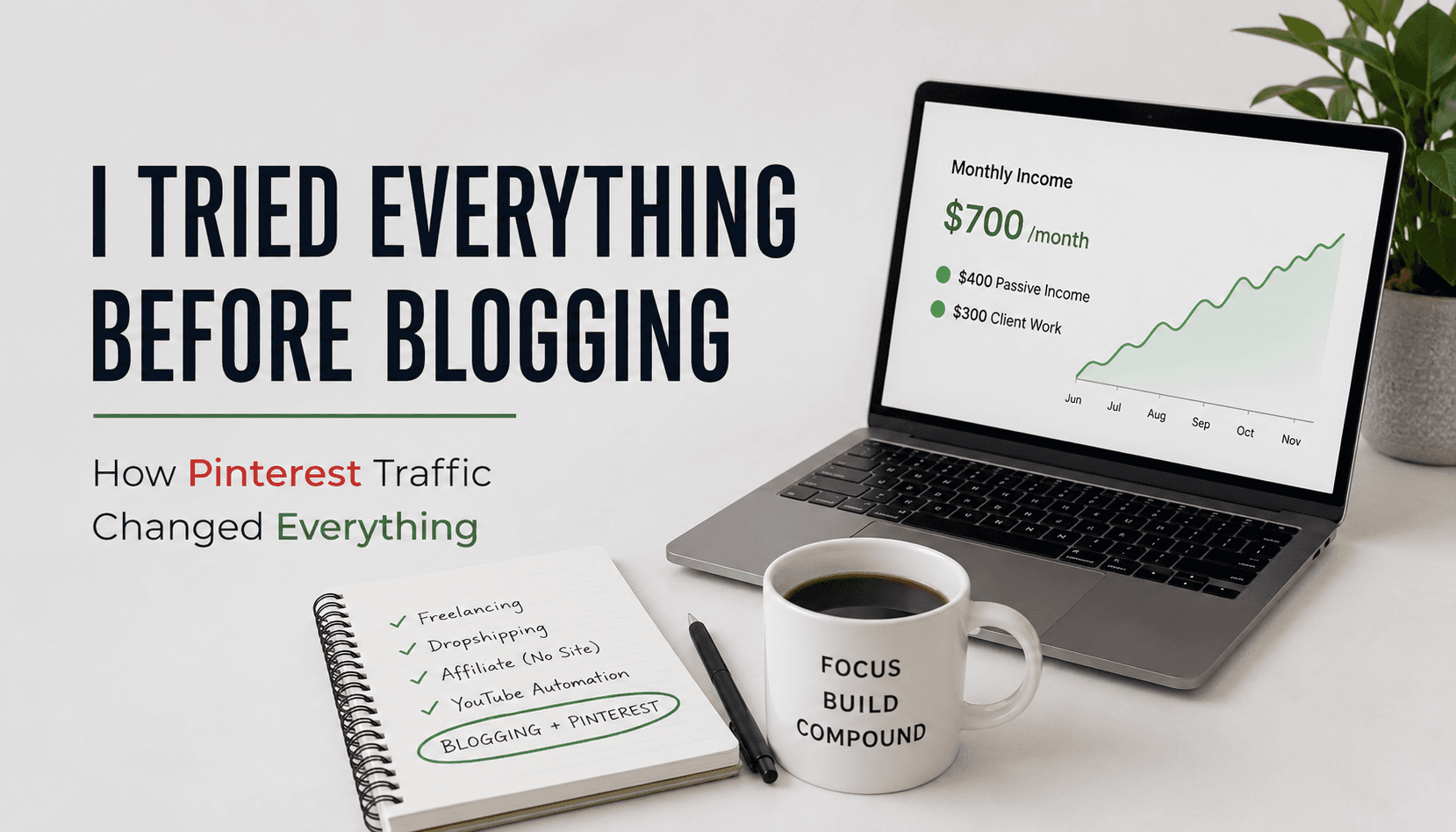

Most Pinterest guides are written by people who want to teach Pinterest strategy as a concept.
This post is written by someone who is running it across two niche blogs right now, tracking the real numbers, and documenting exactly what works.
One of those blogs is the site you are reading. The other is a container gardening niche blog where I have been testing this system since launch. The 200,000 monthly impression milestone this guide references comes from that second blog. Both blogs use the same underlying system. The data varies because the niches are different, but the method is identical.
This post is the complete system from zero to 200,000 monthly impressions. Every component, in order, with the reasoning behind each decision. Where I have already written a full guide on a specific component, I will link to it, this post is designed to be the master reference that ties them all together, not to duplicate them.
Why Pinterest for Niche Sites Specifically
Before the system: why Pinterest?
Niche sites live and die by traffic. And niche site builders face a familiar problem: Google takes time. A new niche blog with no domain authority can publish great content for six months and still see almost no organic search traffic. Google's trust evaluation period is real, it is slow, and it is not optional. The direct comparison of what Google traffic vs Pinterest traffic actually looked like on a real new blog is in Pinterest Traffic vs Google Traffic for a New Blog: Which Came First for Me.
Pinterest solves the immediate traffic problem for niche sites because it does not penalize new accounts the way Google penalizes new domains. Individual pin merit determines distribution, not account age or domain authority. A well-optimized fresh pin from a new account has a real chance of appearing in search results before a weak pin from an established account.
Niche content also performs particularly well on Pinterest because niche audiences are exactly the focused, planning-mode users that Pinterest's algorithm is built to serve. A narrowly focused container gardening blog does better on Pinterest than a broad general lifestyle blog because the algorithm can identify and consistently reach the container gardening audience.
Running Pinterest for two niche sites simultaneously is achievable because the workflow is systematized. Once the process is built, adding a second account is mostly an exercise in repeating the same setup with different keyword targets and content.
Phase One: Account Setup (Day One)
The setup phase matters more than most guides communicate. Getting this right means every subsequent pin starts from the strongest possible algorithmic foundation. Doing it wrong means months of suboptimal distribution before you figure out what needs fixing.
The complete step-by-step account setup, including how to convert to a business account, claim your website, write your profile bio with keywords, and configure your boards, is in How to Set Up a Pinterest Business Account for a Blog. The setup steps that had the most impact on early growth were:
Convert to a Pinterest Business account and claim your website. Without a business account you have no analytics. Without claiming your website you lose attribution on pins that link to your domain. Do both on day one.
Write a keyword-rich profile bio. Your profile name should include at least one niche keyword alongside your name or brand name. Your bio should describe exactly what your account covers and who it serves, written in the same language your audience uses in searches, not marketing language.
Create five to eight focused boards before publishing any pins. Each board should be named with an exact searchable keyword phrase your audience uses. Each board should have a two to three sentence description that embeds the board's primary keyword and one or two related terms in natural sentence structure. The full board strategy, including why one board broke out and drove the majority of my growth, is in Pinterest Board Strategy for Niche Blogs: How I Structure Mine.
Create one master board named after your blog or brand and pin every article you publish to this board in addition to its category board.
Phase Two: Keyword Research (Ongoing)
Pinterest keyword research is not the same as Google keyword research. There is no Semrush for Pinterest. There is no keyword difficulty score. The research happens inside Pinterest itself.
The complete keyword research method, including the autocomplete tool, guided search tiles, Pinterest Trends, and the Ads Manager keyword tool, is in Pinterest Keyword Research for Bloggers: How I Find Low-Competition Keywords. The short version:
The search bar autocomplete is your primary tool. Type your article topic and stop before pressing enter. Every autocomplete suggestion is a real search term with real demand. Write them down. These are your seed keywords.
The Guided Search tiles that appear after you run a search are sub-topic modifiers. Clicking through combinations of your broad keyword plus guided tile modifiers produces specific, lower-competition keyword targets that work well for newer accounts.
Pinterest Trends at trends.pinterest.com shows seasonal interest patterns. For gardening content, this is essential: certain keywords peak in late winter and early spring, and publishing content targeting those keywords before the peak gives your pins time to accumulate saves and engagement before the highest-traffic period.
Phase Three: Pin Production (Weekly Batch)
This is where most bloggers either get the system right or grind themselves into inconsistency.
Each article gets five pins. Not one. Five. Each pin targets a different keyword angle from the research list. Each has a different image, different headline, different description. Five pins per article means five separate distribution opportunities for the same content, each appearing in different searches and reaching slightly different audience segments. The exact ten-minute process for producing all five in a single sitting is in How to Create 5 Pins Per Blog Post Without Burning Out.
The production tools I use:
Canva Pro for design. I have about ten saved templates that already carry my brand aesthetic. Producing a new pin from a template takes two to three minutes: swap the background image, update the headline text, adjust the layout if needed. The full template and size guide, including which dimensions work best in 2026, is in Pinterest Canva Pin Templates: What Sizes and Formats Actually Work in 2026.
Canva AI for creative variety. When I want something beyond my saved templates, I write the design brief in ChatGPT or Claude first and bring that prompt into Canva's AI features. The AI generates a starting point I refine.
Pingenerator for speed. When I need to move through a large batch quickly, Pingenerator generates Pinterest pin designs from an article URL automatically. The designs need tweaking but they cut initial production time significantly.
The image hosting workflow: Export pins from Canva to a folder. Upload the folder to Cloudinary. Copy the Cloudinary URL for each image into the CSV spreadsheet. Pinterest fetches the image from that URL at publish time.
Phase Four: Description Writing (The Most Important Column)
The description is what the Pinterest algorithm reads to understand your pin and match it to search queries. Writing it correctly determines whether your pin appears in the right searches. Writing it badly suppresses distribution regardless of how good the image is.
The full description framework, including structure, character count targets, what to include in the first sentence, and what kills distribution, is in How to Write Pinterest Descriptions That Actually Get Clicks. The core rule: every pin needs a unique description targeting a different keyword. With five pins per article each targeting a different keyword angle, the unique description requirement writes itself if you are thinking about each pin as a different entry point.
Phase Five: CSV Scheduling (The Workflow That Makes This Scalable)
Manual pinning every day is the wrong use of your time at any volume above five pins per day.
Pinterest's native CSV bulk upload tool lets you build a week's worth of scheduled pins in a spreadsheet and upload them in a single session. Pinterest processes the file and publishes each pin at the date and time you specified. The complete guide to the CSV tool, including the exact spreadsheet structure, the Cloudinary hosting setup, common upload errors, and the critical gotcha that can get your account flagged, is in How to Use Pinterest CSV Bulk Upload to Schedule Pins.
My weekly batch: 70 pins (10 per day, 7 days). One upload session per week. Approximately 60 to 90 minutes total.
The most important rule: Distribute pins evenly across the week. Do not let all 70 go out on the same day. I went through a suspension in my first month when I was using a third-party scheduler (Tailwind) that triggered Pinterest's spam detection. After getting the account restored, I switched to the native CSV tool and have used it ever since. The full suspension story, including how I appealed and what I wrote to Pinterest support, is in How Many Pins a Day on Pinterest Actually Grows a Blog Account.
Phase Six: Analytics-Driven Adjustment (Weekly)
The system runs automatically once the CSV is uploaded. The weekly maintenance task is reading analytics and adjusting the next batch based on what you learn. The full analytics review process is in How to Use Pinterest Analytics to Find Your Best-Performing Content.
Check weekly, not daily. Daily analytics creates noise-driven anxiety. Weekly trends are meaningful.
What to look at: Total impressions and outbound clicks for the week compared to the previous week. Top performing pins for the last thirty days. Top performing boards for the last thirty days.
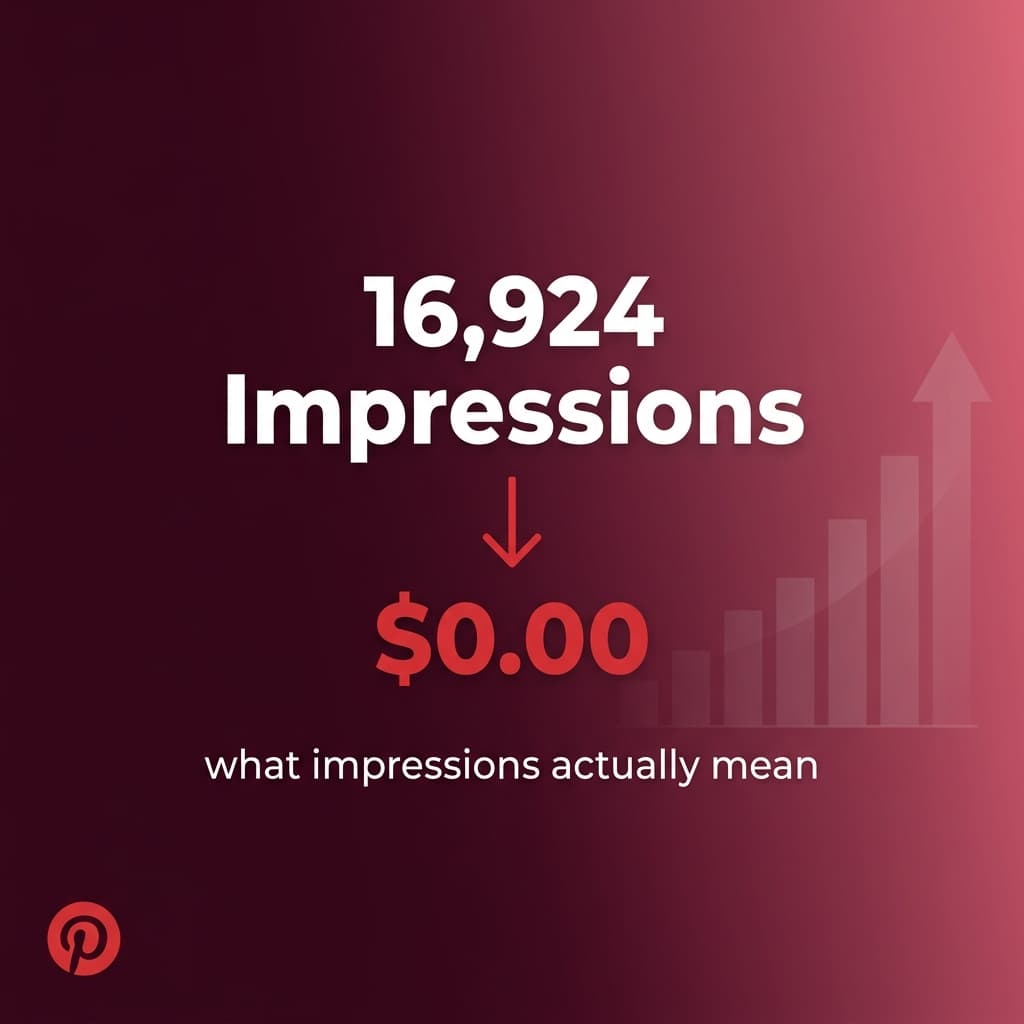
The most important insight: Which board is generating the most outbound clicks. When one board consistently outperforms the others, that board gets more of your publishing volume in the next batch. Understanding what impressions, clicks, and saves each signal about your content's performance is covered in detail in Pinterest Impressions vs Clicks vs Saves: What Actually Matters for Blog Traffic.
This analytics process led to one of the most significant decisions in building my gardening niche blog. Analytics showed clearly that my vegetable gardening content was dramatically outperforming my other content categories. Rather than trying to balance output across categories artificially, I repositioned the entire blog to focus on gardening content. That focus improved topical authority with Google's EEAT evaluation and aligned the entire site more tightly with the audience Pinterest had already proven could find me.
The Timeline: What This Produces Month by Month
| Month | Approximate Impressions | Key Development |
|---|---|---|
| 1 | Under 10,000 | Account evaluation period, manual pinning at 5/day |
| 2 | ~50,000 | One board broke out, scaled to 10/day, switched to CSV |
| 3 | ~120,000 | Compounding from months 1-2 stacking on fresh volume |
| 4 | 200,000+ | System running on momentum |
The jump from month one to month two was driven by two things happening simultaneously: identifying the dominant board and doubling publishing volume to it, and switching from manual daily pinning to CSV bulk scheduling which freed time for more article writing and pin creation.
The jump from month two to month four was driven primarily by compounding. Earlier pins continued generating impressions and saves without additional work. The monthly total grew because old content kept performing alongside new content being added daily.
Running This Across Two Blogs
I use this same system for two niche blogs. Each blog has its own Pinterest account. Each account has its own set of boards structured around the specific niche. Each has its own weekly CSV batch.
The workflows are parallel, not merged. Separate accounts, separate boards, separate content. Mixing two different niche blogs into one Pinterest account creates algorithmic confusion about what the account is about and limits distribution effectiveness for both.
The time investment is roughly doubled: two CSV sessions per week instead of one, two sets of analytics to review, two board structures to maintain. The efficiency gains from having the workflow systematized make this manageable without doubling the total time spent.
The data I have shared throughout this series comes from the gardening niche blog. The other blog is running the same system, at a different stage, in a different niche.
The Honest Assessment After Four Months
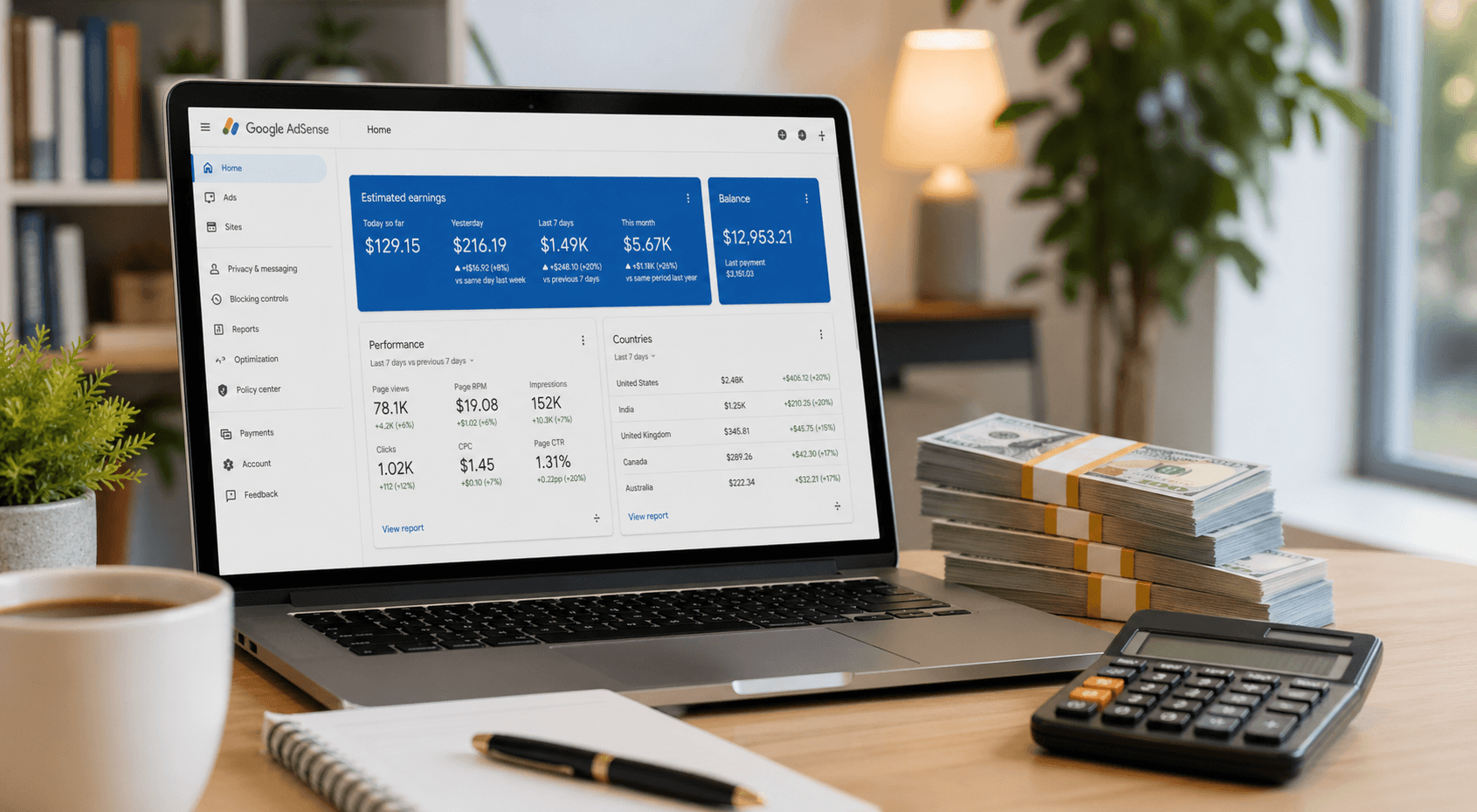
200,000 monthly impressions is a real number that produced real results: thousands of monthly blog visitors, AdSense approval, early affiliate revenue, and real engagement data that fed into Google's evaluation of the site. The honest revenue picture from that traffic is in Does Pinterest Traffic Convert? My Honest Results for Ads and Affiliates.
It is not Mediavine-qualifying traffic by itself. It is not enough to quit a job. It is the foundation that a blog in its first year needs to have a functioning traffic source, real monetization infrastructure in place, and proof that the content is reaching and resonating with its intended audience.
The system is not complicated. It is just sustained and specific. Consistent daily pinning of well-designed, keyword-optimized pins to properly structured boards, with weekly analytics-driven adjustments, sustained for four months.
That is it. The system is what scales. The blog is what benefits.
Kamal Deen builds niche blogs and grows them with Pinterest and SEO. All data referenced in this post comes from his own accounts.